
Blog
Guides to the Mac clipboard
How the Mac clipboard actually works, what macOS gives you for free, and when a clipboard manager, screenshot OCR, or text expander earns its place.
The Mac clipboard has always held exactly one thing, and macOS 26 Tahoe is the first version to remember more than that, for a week at most. That gap is why clipboard managers exist, and why the same questions come up every day: where is the clipboard on a Mac, how do you see what you copied earlier, how do you copy text out of a screenshot, and why does text replacement work in Notes but not in Chrome.
These guides answer those questions with the built-in macOS answer first, including the exact settings and shortcuts, and only then explain what a clipboard manager, screenshot OCR, or a text expander adds. Every price and limit is checked against the vendor's own site on the date shown at the top of each guide, and the comparisons name the apps we compete with as fairly as we can manage. We make SnipVault, so read the verdicts with that in mind, and email diljit@dprsoftwarelabs.com if we got something wrong.
Guides
Flycut stopped working on your Mac? Why, and what to use instead (2026)
Flycut's last release was December 2020. What breaks on Sonoma, Sequoia, and Tahoe, two things to try before giving up, and the clipboard managers that replace it.
· 4 min read
Guides
CopyClip for Mac: what it keeps, where it stops, what to use next
Two CopyClips share the Mac App Store. What CopyClip 2 does for $7.99, its text-only and 9,999-clip limits, common complaints, and the apps to move to.
· 4 min read
Guides
Text replacement on Mac: built-in vs a text expander
Set up macOS text replacements, learn why they fail in Chrome, Slack, and Terminal, and when a text expander with placeholders is the better tool.
· 5 min read
Guides
Raycast clipboard history: limits and when to switch
How Raycast's clipboard history works, what the free plan keeps and for how long, why it never syncs, and when a dedicated clipboard manager makes sense.
· 4 min read
Guides
How to see clipboard history on a Mac (2026)
Where the Mac clipboard lives, how to open macOS Tahoe's Spotlight clipboard history, what it forgets after 7 days, and how to keep everything you copy.
· 6 min read
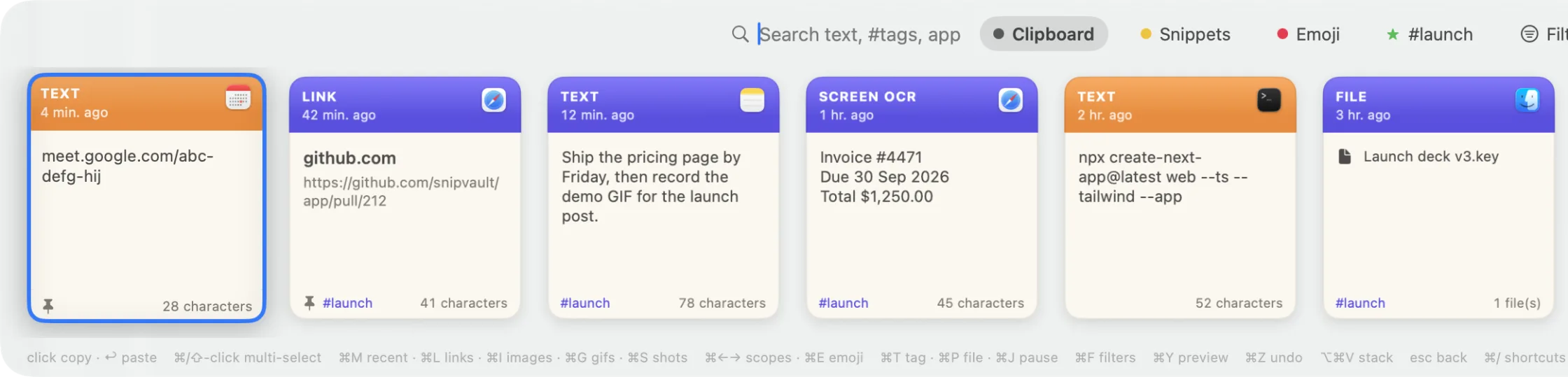
Guides
Copy text from a screenshot on Mac: 4 ways
Copy text out of a screenshot, photo, PDF scan, or video frame on a Mac with Live Text in Preview, Quick Look, the Shortcuts app, or a one-key OCR tool.
· 6 min read
Guides
How to clear your clipboard on a Mac
Four ways to clear the Mac clipboard: a one-line Terminal command, wiping Spotlight's clipboard history on macOS Tahoe, and keeping secrets out of it.
· 3 min read
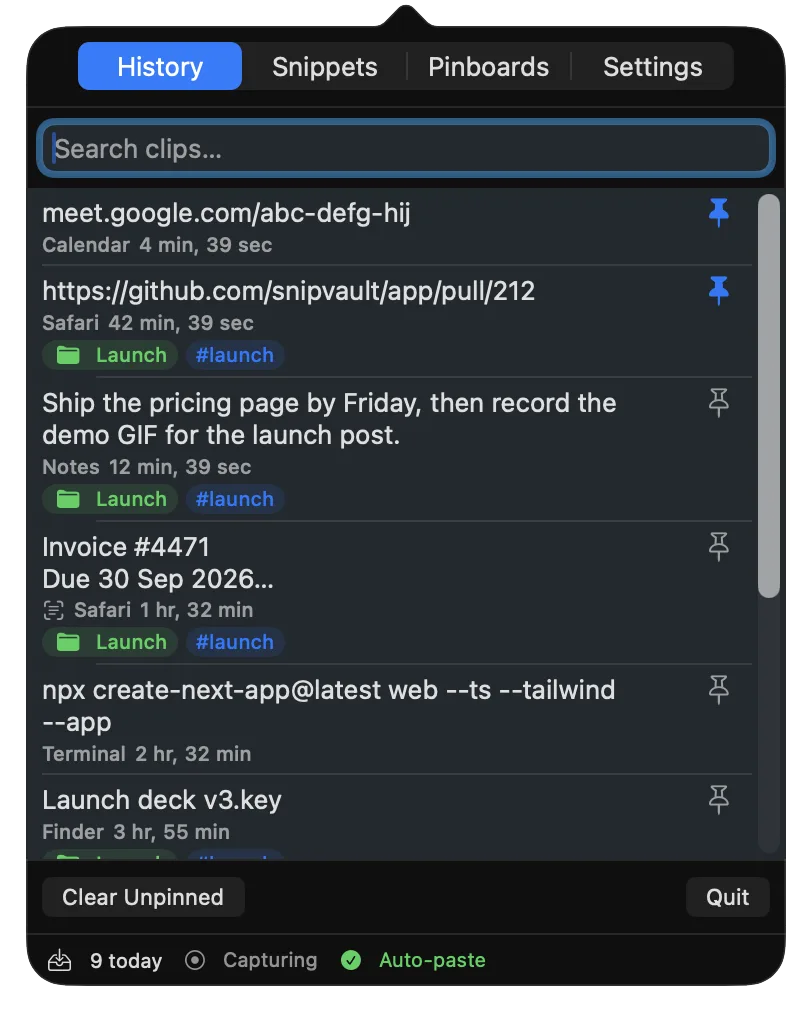
Guides
The best clipboard manager for Mac in 2026
Nine Mac clipboard managers compared on history limits, search, privacy, sync, and price, including the free ones and macOS Tahoe's built-in one.
· 8 min read